
Automatic profile restore
Switch devices.
Keep your sound.
ToneEQ recognizes the active output and loads the profile you chose for it—without stacking effects or silently guessing.
AirPods Pro Warm & clear loaded
Your sound, automatically
ToneEQ: Headphone Equalizer is the iPhone music player that remembers how you like to listen—then restores the right EQ whenever your audio device changes.
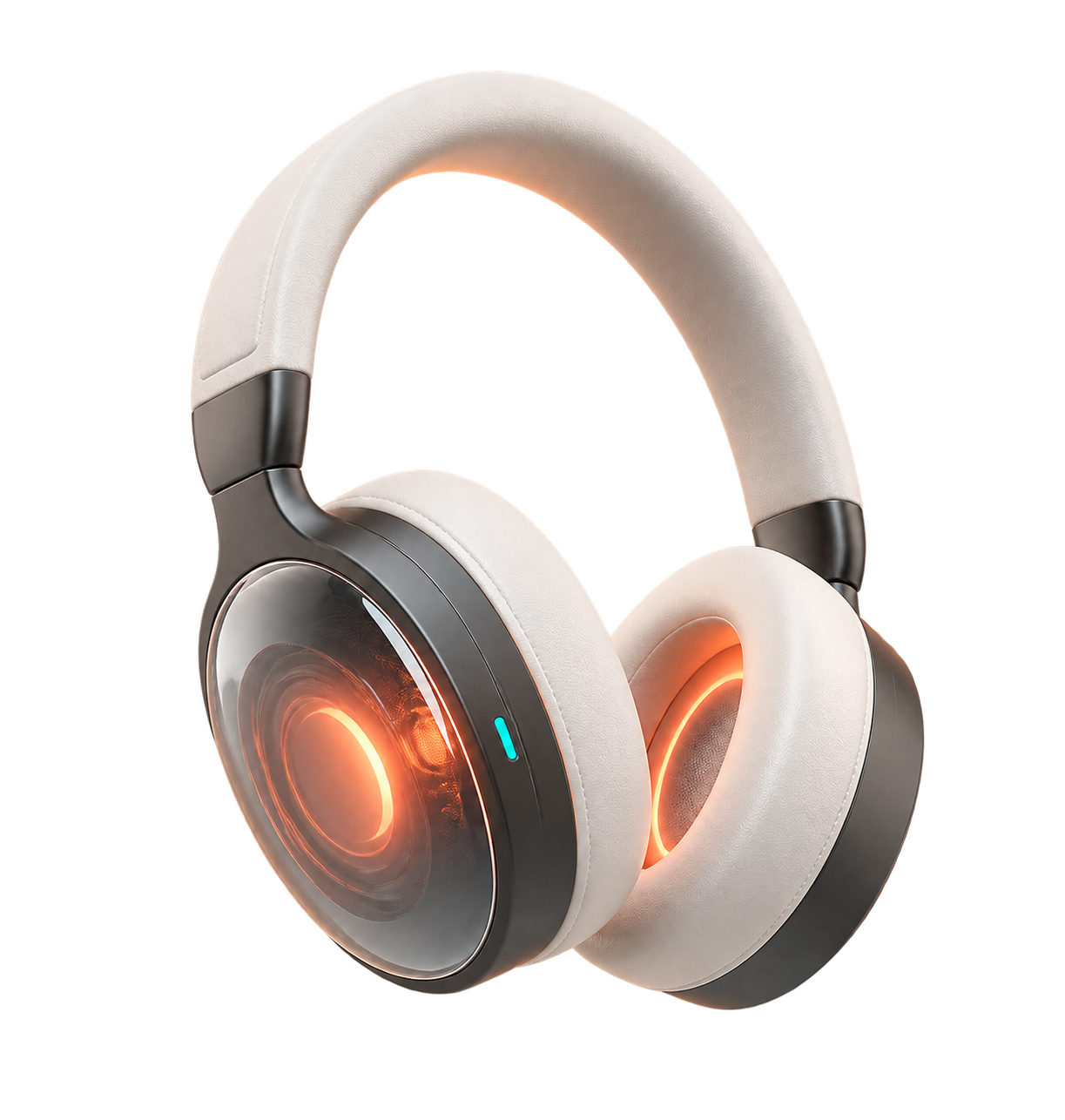
Designed around real lifeBuilt for listeners who switch
Your headphones change. Your taste doesn’t.
ToneEQ keeps device correction separate from personal taste, so your preferred bass, warmth, presence and brightness can follow you to compatible headphones.
Automatic profile restore
ToneEQ recognizes the active output and loads the profile you chose for it—without stacking effects or silently guessing.
Free, real EQ tools
Start with AutoEq, then use a 10-band graphic EQ or up to 10 parametric filters. Basic tuning stays free.
Sound safety
Automatic preamp compensation, peak estimates and clipping protection keep every adjustment inside a safer signal path.
Your library, your files
Import from Files, iCloud Drive and compatible file providers. Play offline with your EQ and profile available.
ToneEQ Pro
Listening Match uses simple, level-matched A/B choices to learn your preferred bass, warmth, vocal presence and brightness.
Three minutes to your first profile
Start with a device correction, add as much—or as little—of your own taste as you want, and compare against the original at any time.
Choose the connected headphone or DAC, then match a measured correction or start Flat.
Adjust the curve yourself, or let listening choices create a personal preference layer.
Your selected profile returns when that device reconnects and ToneEQ handles playback.
No audio sleight of hand
Every player view shows whether audio is processed by ToneEQ, managed by a platform, or left untouched. We never imply system-wide EQ where iOS does not allow it.
Start free. Stay in control.
The tools that shape sound are part of the free core. Pro adds organization, automation and ongoing personalization.
Weekly and annual options. A 7-day annual trial may be offered in the App Store. Read subscription terms.
Good questions, clear answers
No. iOS does not provide a public way for third-party apps to process the system-wide audio of other apps. ToneEQ applies software EQ to supported audio played by its own audio engine.
ToneEQ can browse and control your Apple Music library through Apple’s MusicKit player. Protected Apple Music audio remains platform-managed, so software EQ is clearly shown as unavailable.
ToneEQ is designed for common local formats including MP3, AAC/M4A, ALAC, FLAC, WAV and AIFF, subject to final release compatibility testing.
Yes. The free core includes 10-band graphic EQ, parametric EQ, local playback and one device-bound sound profile. Pro is for multiple devices, multiple saved profiles, listening match and cloud sync.
No. Audio files, track titles and complete file paths are not uploaded by ToneEQ. Optional cloud sync is for sound profiles and settings—not your music.
Coming to iPhone
ToneEQ is preparing for App Store release. Need help, want to test, or have a headphone request?